

How to Use Excel for Data Analysis: A Strategic Guide
Data analysis is the process of inspecting, cleaning, and modeling data to discover useful information and support better decision-making. While many specialized tools exist, Microsoft Excel remains the most accessible and versatile platform for analyzing organizational information. For corporate leaders and professionals, knowing how to use Excel for data analysis is a primary driver of operational agility and innovation. In a world of increasing technical complexity, a data-literate professional is a powerhouse of organizational value.
Improving your analysis skill is a deliberate process that requires a combination of structured methodology and technical mastery. It is about building a workforce that is not just “tracking” numbers, but truly “interpreting” them to drive long-term business resilience. This guide provides a comprehensive roadmap for transforming your organizational technical baseline. Let’s look at the core principles of Excel-based data excellence.
1. Mastering the Art of “Data Cleaning” and Preparation
Before any analysis can happen, your raw data must be “clean.” How to use Excel for analysis starts with the “Power Query” and basic text functions. Use tools to remove duplicates, fix formatting errors, and split or combine columns correctly. Information is only valuable if it is accurate and consistent. By identifying and fixing these “red flags” early on, you ensure your final reports are based on a solid empirical foundation, ensuring a significantly higher return on investment and professional impact.
2. Leveraging Statistical Functions and Trend Analysis
Great analysis goes beyond simple totals. Excel includes a vast library of statistical functions (like AVERAGE, MEDIAN, STDEV, and CORREL) that allow you to understand the “subtext” of your numbers. Use these tools to:
- Identify Correlation: Understanding the relationship between different business metrics.
- Forecast Future Performance: Using the “Forecast Sheet” feature to predict upcoming organizational trends.
- Assess Variance: Identifying outliers and exceptions that require internal management attention.
A professional who leads with statistical precision signals a commitment to data-driven organizational excellence.
3. Creating High-Impact Visualizations and Charts
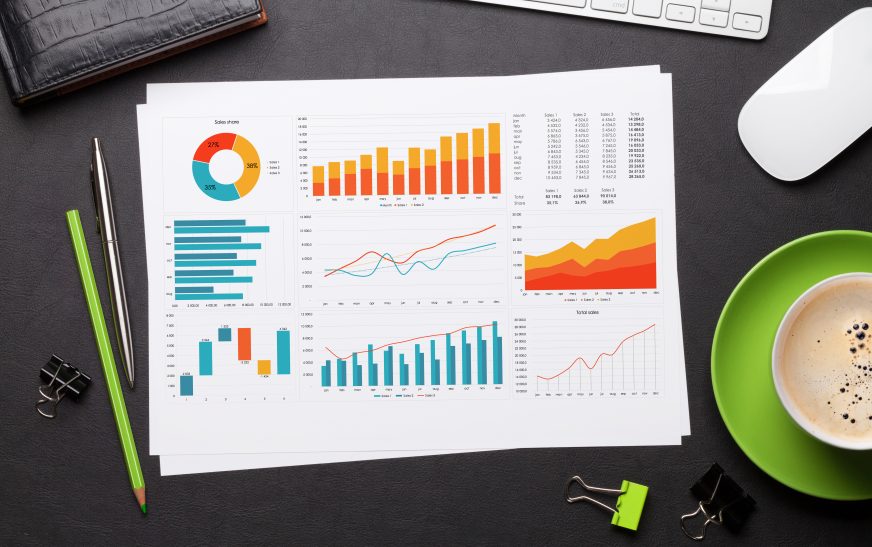
The goal of data analysis is to tell a compelling story. Excel’s charting engine allows you to turn your raw numbers into high-impact visual stories. For a business professional, this involves choosing the correct chart for the data:
- Line Charts: For showing performance trends over time.
- Bar/Column Charts: For making easy comparisons between different departments or products.
- Scatter Plots: For identifying relationships and clusters in complex datasets.
A clear, well-designed visual signals professional authority and empathy, providing a more agile and efficient team environment. Visual brilliance is the cornerstone of influence.
Data Analysis Success Checklist
- Hypothesis Testing: Starting with a clear question before you begin your analysis.
- Documentation: Keeping a record of how you reached your conclusions to ensure transparency and accountability.
- Continuous Monitoring: Using Excel to build live “trackers” that update as new information flows in.
Conclusion
Knowing how to use Excel for data analysis is an essential investment in your long-term corporate success. By prioritizing cleaning, statistics, and visualization, you build a more resilient and high-performing professional presence. In the fast-moving business world of 2026, the professionals who lead with data precision will be the ones who dominate their market. Start building your data-driven roadmap for excellence today.