

Data Reporting Techniques in Excel: Communicating with Impact
The goal of all Excel work is to communicate information to decision-makers. However, a dense wall of raw numbers is often ignored. Data reporting techniques in Excel are the primary source of professional influence, allowing you to turn complex analysis into a high-impact, easy-to-digest story. Whether you are reporting to a manager or presenting to the C-suite, your ability to present data clearly is what drives organizational change and professional impact.
This guide provides a comprehensive introduction to the essential reporting techniques that dominate the modern corporate landscape. From building “Slicer-Driven Dashboards” to mastering “Dynamic Headlines,” we dive into the core principles of high-performance technical communication. Let’s look at how you can transform your professional presence by mastering the reporting tools of the 2026 office. The goal is clarity through design.
1. Building Dynamic and Interactive Excel Dashboards
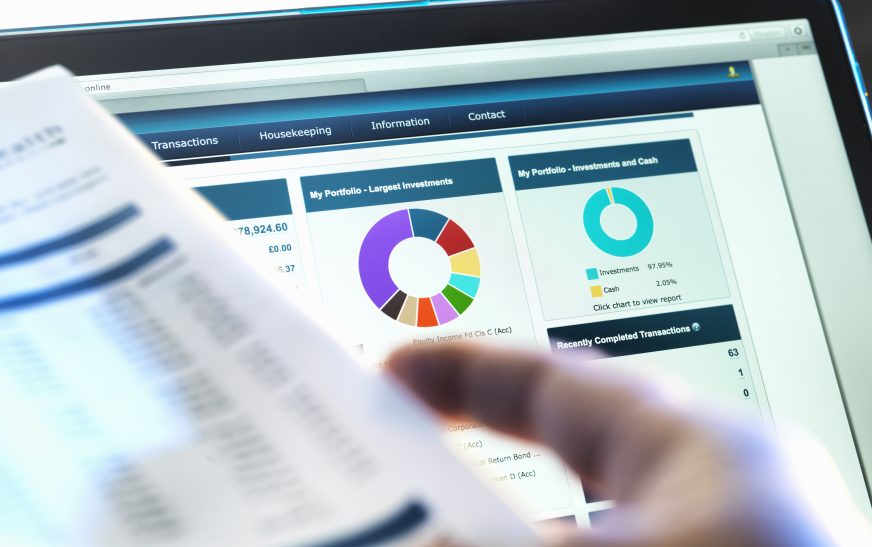
A static report is a thing of the past. Modern business reporting in Excel involves building interactive “Dashboards” that allow managers to explore the data themselves. Utilize “Slicers” and “Timelines” connected to your Pivot Tables. This allows a leader to see sales by a specific region or a specific date simply by clicking a button. Interactivity builds a sense of transparency and psychological safety, providing a more agile and efficient team environment. Clarity is the heart of influence.
2. Mastering “Conditional Formatting” for Visual Alerts
In a large organization, time is the most precious resource. High-impact reporting uses conditional formatting to highlight what matters most. Instead of a manager reading through 500 lines of data, they can see a single “Alert” cell. This involves using:
- Icon Sets: Red/Yellow/Green symbols to show performance against a target.
- Data Bars: Providing a visual representation of how close a project is to completion.
- Color Scales: To instantly identify high and low points in a dataset.
A professional who leads with visual precision signals professional discipline and resourcefulness, significantly increasing your professional influence. Clarity is the hallmark of authority.
3. Mastering “Narrative Design” and Presentation Layout
A great report is not just automated; it’s designed. Reporting techniques in 2026 focus on “Storytelling.” This involves:
- Clean Layout: Using white space and removing gridlines to make your report professional.
- Dynamic Headlines: Using formulas (like CONCAT) to create titles that change automatically based on the data.
- Clear Call to Actions: Annotating your charts to show exactly what a leader should do based on the findings.
By combining technical precision with empathy and design, you build a more agile and influential organizational presence. Success is the byproduct of value and consistency.
Reporting Success Checklist
- Audience Alignment: Tailoring the depth of your report to the technical level of the recipient.
- Single Source of Truth: Ensuring all data in your report comes from a verified and documented source.
- Mobile Compatibility: Ensuring your key “Snapshot” report looks professional when viewed on a smartphone.
Conclusion
Mastering data reporting techniques in Excel is an essential milestone for every modern business professional. By prioritizing interactive dashboards, visual alerts, and narrative design, you build a more agile and influential professional presence. In the high-stakes corporate world of 2026, the professionals who lead with technical precision will be the ones that achieve the most significant successes. Start building your reporting roadmap today to secure your future professional influence.