
Cybersecurity Tips for Remote Workers: Defending the Digital Perimeter
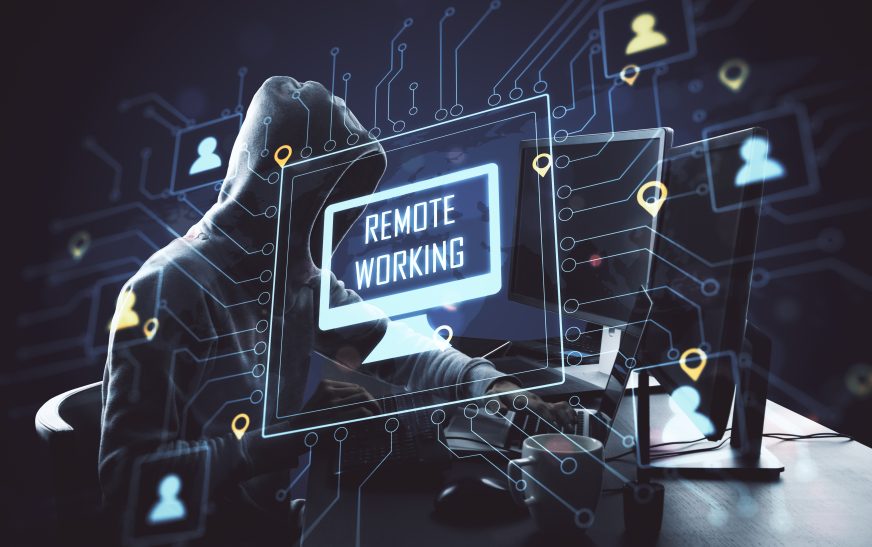
In the age of distributed work, the “office perimeter” has disappeared. For remote workers, your home office is now a part of the corporate network, making your digital habits more important than ever. While remote work offers massive flexibility, it also presents unique cybersecurity challenges that require a more disciplined and professional approach to digital safety. Protecting your company’s data from your kitchen table is an essential skill for the 2026 professional.
This guide explores several proven and effective cybersecurity tips for remote workers. From the power of “VPN Usage” to the importance of “Physical Security,” we dive into the core principles of high-performance technical competence. Let’s look at how you can transform your professional impact by mastering the digital tools of the remote office. The goal is independence through competence and safety.
1. Prioritizing Secure Network Connections and VPN Usage
Nothing is more dangerous to corporate data than an unsecured Wi-Fi connection. One of the best cybersecurity tips is to always use a Virtual Private Network (VPN) when working remotely. A VPN creates a secure “tunnel” for your data, ensuring it remains encrypted and protected even when you are using public or home networks. A professional with strong security discipline never works on sensitive data without a verified secure connection, significantly increasing your professional influence and impact.
2. Mastering Professional Device Management and Updates
In a remote environment, you are often your own “First Response” IT team. Tips for remote workers include a deep understanding of device management:
- Immediate Software Updates: Ensuring your OS and security software have the latest “patches” to fix vulnerabilities.
- Separate Personal and Work Devices: Avoiding the mistake of using work laptops for non-work activities.
- Using Approved Corporate Assets: Only using the software and tools provided and verified by your IT department.
Technical precision in device management signals professional discipline and resourcefulness, providing you with a more agile and efficient team environment.
3. Practicing High-Level “Physical Security” at Your Remote Location
Cybersecurity is not just about the digital world; it’s about the physical one too. Remote workers must practice:
- Secure Disposal: Shredding any paper documents that contain corporate information.
- Locked Devices: Ensuring your laptop is always locked when you step away, even in your own home.
- Safe Backgrounds: Monitoring your environment during video calls to ensure no sensitive data is visible on screen.
A professional who prioritizes physical and digital safety signals to their organization that they are a trustworthy and responsible steward of corporate data. Integrity is your best firewall.
Remote Security Highlights Checklist
- Multi-Factor Authentication (MFA): Ensuring every account has a second layer of verification.
- Phishing Awareness: Being extra vigilant about suspicious emails while working in an isolated environment.
- Data Minimization: Only keeping the files you absolutely need on your local device.
Conclusion
Mastering cybersecurity tips for remote workers is a major professional milestone that can significantly boost your organizational impact. By prioritizing secure connections, device management, and physical safety, you own your professional presence and build a lasting positive impression. In the high-stakes corporate world of 2026, the professionals who lead with technical precision will be the ones that succeed. Don’t just work remotely; work securely to secure your professional influence.